Give your agent a web-reading tool in 30 lines
LLM tool use for web reading, end to end: one tool schema for OpenAI and Anthropic plus a 30-line Python handler that returns clean AIDocument Markdown.
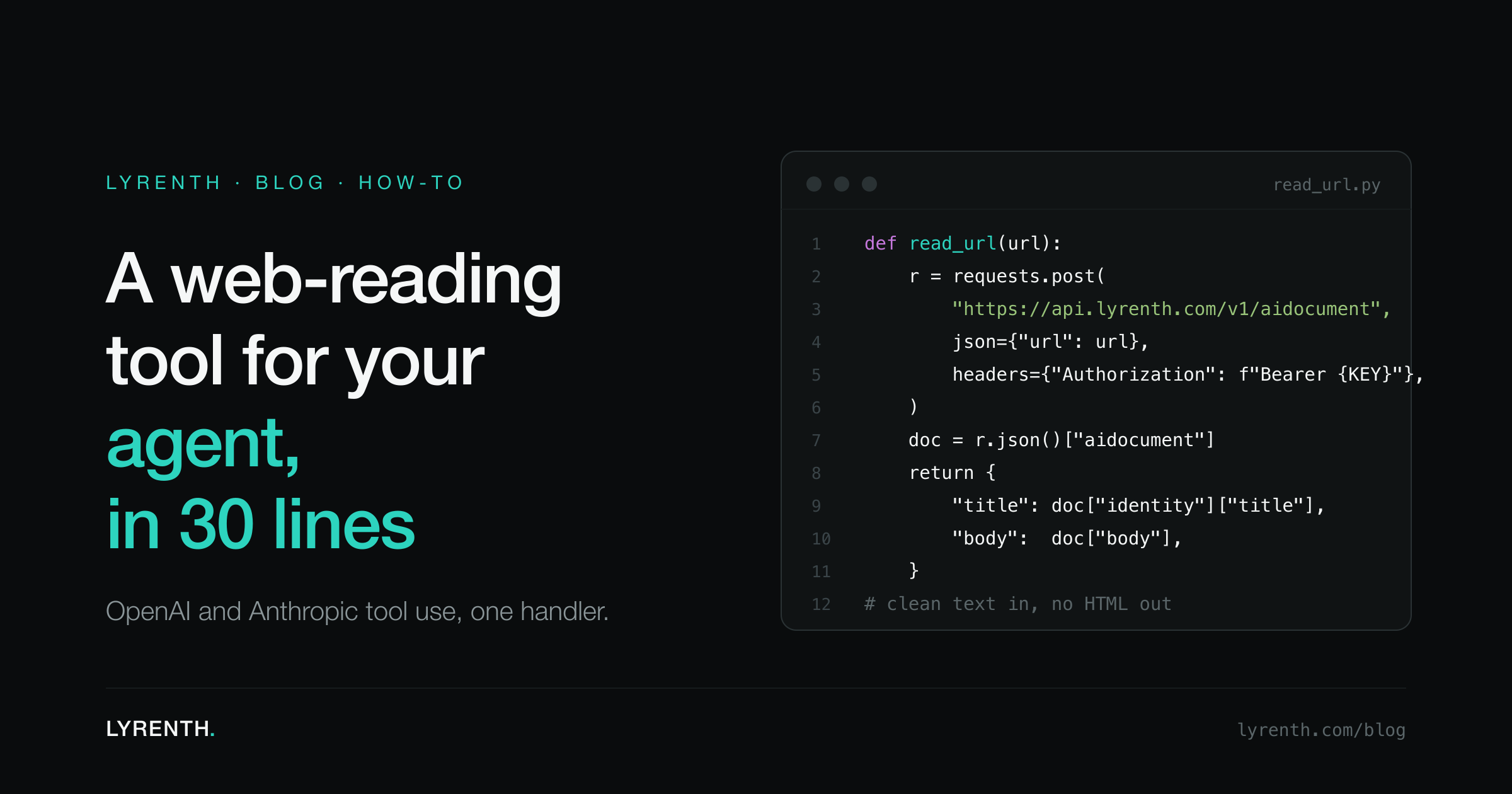
An agent that cannot read the web answers from its training data, which means it answers from the past. Giving it a live web-reading tool sounds like a project. It is not: with function calling it comes down to three small pieces. A tool definition tells the model the tool exists, a handler fetches the page, and a line of glue passes the result back. The handler is where most implementations go wrong, usually by handing the model raw HTML. Here is the whole thing done properly: the tool schema for the OpenAI API, the same tool for the Anthropic API, and one shared Python handler of about 30 lines that returns clean, model-ready Markdown.
The tool definition, OpenAI style
The definition is the only part the model ever sees, so it carries most of the design weight. Keep the surface minimal: one required url parameter and a description that tells the model when to reach for the tool.
{
  "type": "function",
  "function": {
    "name": "read_url",
    "description": "Read a web page and return its title and clean Markdown body. Use this whenever you need the current content of a specific URL.",
    "parameters": {
      "type": "object",
      "properties": {
        "url": {
          "type": "string",
          "description": "The full URL to read, including the scheme, e.g. https://example.com/docs"
        }
      },
      "required": ["url"]
    }
  }
}
The single parameter is deliberate. Every field you add to a tool schema is a field the model can fill in wrong. A URL is something models produce reliably; fetch options and rendering knobs are not, so those live in the handler, where your code controls them.
The same tool for the Anthropic API
Claude's tool use takes the same JSON Schema in a slightly different envelope: no function wrapper, and the schema sits under input_schema.
{
  "name": "read_url",
  "description": "Read a web page and return its title and clean Markdown body. Use this whenever you need the current content of a specific URL.",
  "input_schema": {
    "type": "object",
    "properties": {
      "url": {
        "type": "string",
        "description": "The full URL to read, including the scheme, e.g. https://example.com/docs"
      }
    },
    "required": ["url"]
  }
}
Same name, same description, same single parameter. That is the point: one handler serves both.
The handler, about 30 lines
Both APIs deliver a tool call to your code as a name plus arguments. Wherever your loop dispatches on the name, the call lands here.
import os
import requests

LYRENTH_API = "https://api.lyrenth.com/v1/aidocument"
API_KEY = os.environ["LYRENTH_API_KEY"]


def read_url(url: str) -> dict:
    """Fetch a page as an AIDocument, return a compact model-ready dict."""
    resp = requests.post(
        LYRENTH_API,
        headers={"Authorization": f"Bearer {API_KEY}"},
        json={"url": url},
        timeout=30,
    )

    if resp.status_code == 422:
        # The page refused an anonymous fetch (login wall, paywall,
        # IP allowlist). Relay the reason so the model can explain it.
        err = resp.json()
        return {"error": err["error"], "message": err["message"]}

    resp.raise_for_status()

    doc = resp.json()["aidocument"]
    return {
        "title": doc["identity"].get("title", ""),
        "url": doc["source"]["url"],
        "body": doc["content"]["markdown"],
    }
The wiring is the same on both sides: when the model emits a read_url call, run the function with the url argument and pass the returned dict back as the tool result, JSON-encoded. From there the loop continues as normal.
The handler does three things. It POSTs the URL to the AIDocument endpoint with a Bearer key. It turns the one failure a model should hear about into plain language instead of an exception. And it returns exactly three fields: title, url, body. The full response carries much more (fetch metadata, cache state, token economics, page structure; the field reference is at /docs/aidocument), but the model does not need any of that to answer a question. Three fields keep the tool result small and keep the model focused on content.
Hand the model the body, never the HTML
body is the AIDocument's Markdown: the page content with navigation, scripts, consent banners, and layout scaffolding already stripped, and JavaScript already rendered where the page needed it.
This is the load-bearing decision in the whole tool, and one measured number makes the case. The Stripe API reference is 307,902 tokens as raw HTML and 2,000 tokens as an AIDocument, 99.4 percent smaller. At $3.00 per million input tokens that is $0.92 per read into context versus $0.006. The rest of the measured set is at /benchmarks, and the longer treatment of where the tokens actually go is in how to feed web pages to an LLM without blowing the context window.
For a tool handler the consequence is blunt: return raw HTML and a single documentation page can swallow most of the context window before the model has written a token. Return the clean body and the same window holds the page, the conversation, and room to reason.
When a page cannot be read, say why
Agents degrade better when errors are sentences. The case you will hit first is a URL behind a login. Lyrenth fetches as an anonymous client and never signs in to accounts, so a login-walled page returns HTTP 422 with a machine-readable code and a human-readable message:
{
  "error": "upstream_unauthorized",
  "message": "<host> requires authentication (401). Lyrenth fetches as an anonymous client; URLs behind a login, paywall, or IP allowlist can't be retrieved this way.",
  "upstream_status": 401
}
The handler passes that message through as the tool result instead of raising. The model then has something it can act on: it tells the user the page requires a login and moves on, instead of retrying in a loop or inventing the page's contents. Failed fetches cost nothing; credits are only spent on successful reads (one each, or two with "force_refresh": true when you need the origin re-fetched rather than the indexed copy).
What happens behind the endpoint
Every response is served from the index. When cache.status is "hit", the copy already existed: the read is instant and the site was not contacted. When a page is not in the index yet, it is crawled, indexed, and served from that fresh index entry. One crawl serves every caller.
The crawler identifies itself as LyrenthBot, signs its requests with Web Bot Auth, publishes its IP ranges with matching reverse DNS, and respects robots.txt; details at /bot. It reads the public web only, and Lyrenth does not train foundation models on crawled content. The index currently holds over 4 billion documents across more than 170 million domains.
The no-code version
If you work inside Claude Desktop, Claude Code, or Cursor rather than your own agent loop, skip the handler entirely. Lyrenth ships an MCP server exposing the same capability as a read_url tool, and it takes one config block to add. Setup is covered in adding web reading to Claude and Cursor over MCP.
That is the entire tool: one schema the model can see, one handler of about 30 lines, and clean Markdown where raw HTML would have been. Grab a key at /signup (the free tier is 2,000 AIDocuments a month, no card required); the five-minute walkthrough is in the quickstart.