Is your site readable by AI? The readiness score, explained
Run an AI readability website check with Lyrenth's readiness score: 0 to 10, the mean of per-page audits. What it measures and how to raise it.
Open your site in a browser and it looks fine. That is no longer the whole test. A growing share of your readers are not people with browsers. They are agents, assistants, and answer engines that fetch your pages and read the bytes your server sends. What those readers get can be very different from what a person sees, and the gap is usually invisible to the site owner until someone measures it.
We measure it. Lyrenth indexes the public web, over 4 billion documents across more than 170 million domains (live counts here), and every page we index gets audited for how well it reads as a machine-consumable document. For site owners, we roll those audits up into one number: the AI-readiness score. If you have ever wanted an AI readability check for your website, this is the thing we built to answer it.
What the score is
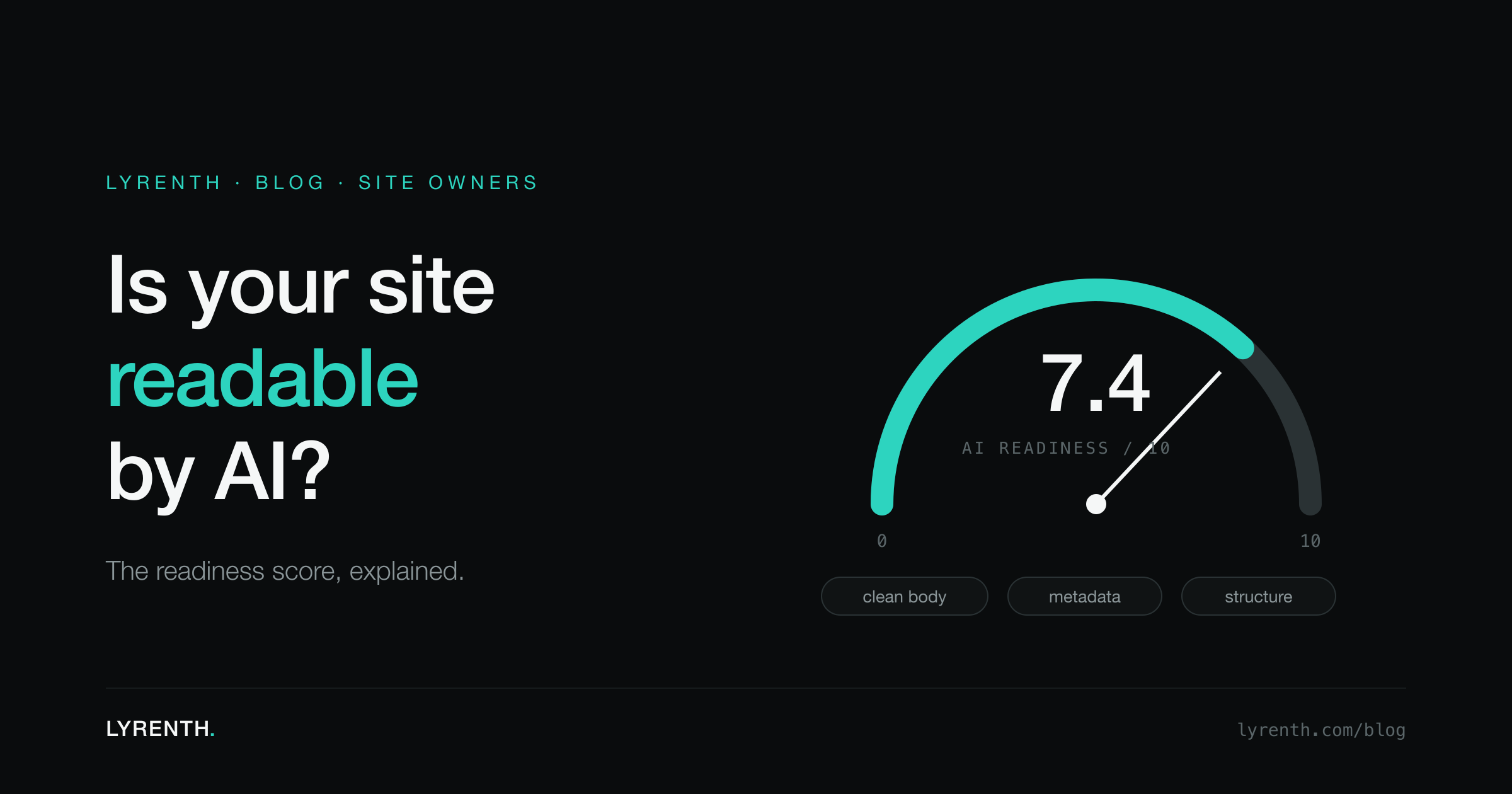
The score runs from 0 to 10, and it is the mean of per-page audits across your site's indexed pages.
Two properties fall out of that definition, and both matter.
First, it is a whole-site number, not a homepage check. If your homepage is immaculate but every article underneath it ships as an empty JavaScript shell, the mean says so. A hundred hollow pages drag the score down no matter how polished the front door is.
Second, because it is a plain mean, you can reason about it. A 9 means nearly every indexed page reads cleanly. A 5 means roughly half your surface area is hard for a machine to read, and fixing the worst template (usually one layout shared by many pages) moves the number more than fixing any single page.
What a page audit evaluates
Each per-page audit asks a small set of questions about how the page ships over the wire. Conceptually, four things:
| Dimension | The question it asks | A low mark usually means |
|---|---|---|
| Content extraction | When navigation, scripts, and boilerplate are stripped away, is a clean primary body left? | The real content is tangled into layout scaffolding, or there is barely any content at all |
| Title and metadata | Does the page declare a real, specific title and description that match the content? | Template strings, one title reused across many pages, or missing metadata |
| Structured data | Is there machine-readable structure describing what the page is? | No JSON-LD where one would naturally fit |
| Rendering requirement | Does the primary content exist in the HTML the server sends? | The content only appears after client-side JavaScript runs |
The last row is the one that surprises people most. A page can look complete in a browser and still send an almost empty document over the wire, because the browser ran the JavaScript that filled it in. We wrote up why that happens and what fetchers actually receive in why scrapers get empty HTML from JavaScript sites.
What the score does not measure
Honest framing: the score grades how the page ships over the wire, not the quality of your prose.
A sharp, well-researched essay served as a client-rendered shell with a generic title scores low. A plain changelog served as clean HTML with a real title and description scores high. The score is a transport grade. It tells you whether a machine can get to your words cheaply and reliably, not whether the words are good.
That framing is also the good news. A low score is not a verdict on your content, and raising it never requires a rewrite. It is an engineering fix, usually a small one applied to a template.
How to see your score
Verify your domain. You prove ownership with either a DNS TXT record or an HTML file, whichever fits your setup. Once the domain is verified, your dashboard shows three things:
- The AI-readiness score for the domain, 0 to 10.
- Per-domain stats across your indexed pages.
- Bot-traffic analytics, if you add the worker integration described in /docs/bot-tracking, so you can see which AI bots read your site and how often.
The full walkthrough of verification and what site owners get from it is in the publisher's guide to AI bots and verification.
A word on where the audited pages come from. They are fetched by LyrenthBot, our crawler, which always identifies itself: a stable user agent, Web Bot Auth signed requests, published IP ranges, and reverse DNS, with robots.txt respected. It reads only the public web and never signs in to accounts, and Lyrenth does not train foundation models on crawled content. Verification details for your firewall or logs are at /bot.
How to raise it
Concrete levers, in the order we would pull them.
Server-render the primary content. This is the single biggest lever on most sites. Machines can render JavaScript (we do it when a page requires it), but rendering is slower and costlier for every reader, every time, and not every reader will bother. Content that is present in the initial HTML is read cheaply by everyone. If your framework supports server-side rendering or static generation for content pages, turn it on for them; save client-only rendering for the parts that are genuinely interactive.
Ship real titles and descriptions. One specific title per page, matching what the page actually says, and a description that summarizes the body rather than the brand. This is the cheapest metadata to get right, and it is the first thing any reader, human or machine, uses to decide whether the page answers the question.
Add JSON-LD where it fits. If a page has a natural machine shape (an article, a product, an FAQ, an event), declare it. Do not force structured data onto pages that have no natural type; presence where it fits is the signal, not volume.
Do not bury content behind client-only interaction. Text that only enters the page after a click, a scroll, or a hydration pass does not exist for a reader that takes the server's response at face value. If the content matters, it belongs in the document the server sends, even if the visual treatment collapses it behind a tab or an accordion.
All four levers reduce to one principle: the page a human sees should be present in the bytes the server sends. Everything past that is refinement.
Seeing your number
Checking takes a few minutes and costs nothing: the free tier includes one verified domain and 2,000 AIDocuments a month, no card. Verify with a DNS TXT record or an HTML file, and the dashboard shows your score, your per-domain stats, and what is reading your site. If you would rather see how your pages read through the API first, start with the quickstart.